
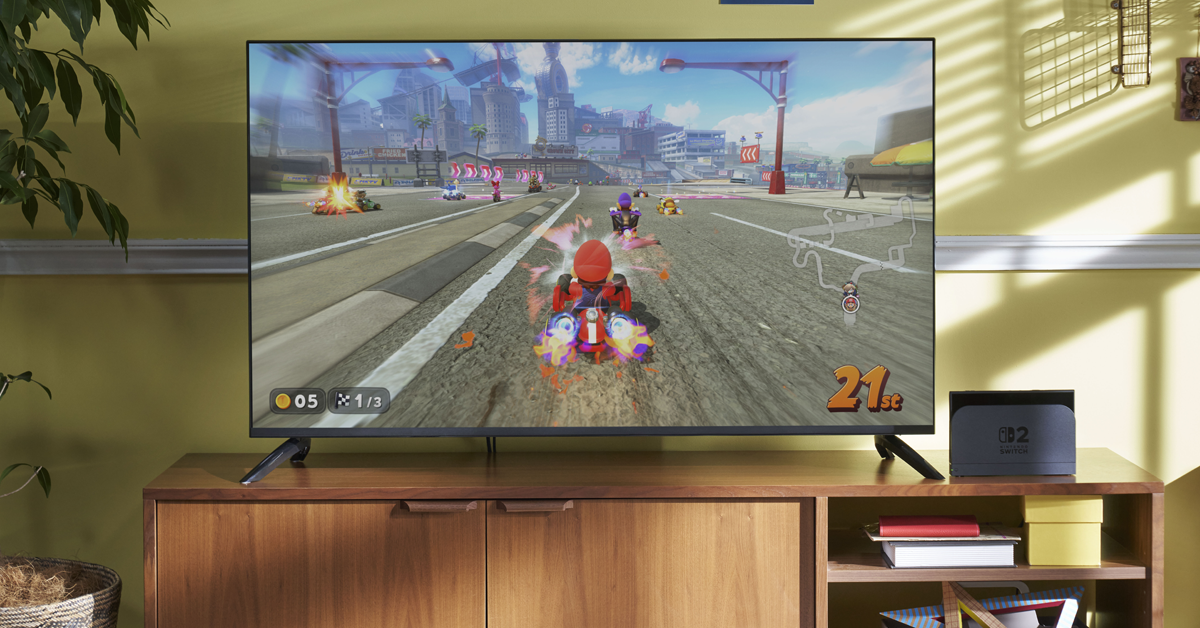
Experts say a few key settings can dramatically improve HDR performance on the Nintendo Switch 2, especially in docked mode. While High Dynamic Range (HDR) is now a standard feature on modern TVs and monitors—enhancing visuals with deeper contrast and a wider color range—the Switch 2’s HDR has drawn criticism for looking washed out or overly bright when docked.
The Problem: Mismatched Tone Mapping
The issue stems from how the Switch 2 handles HDR by default. According to tech experts at the YouTube channel HDTVTest, the console’s brightness and whiteness settings are tuned for a Dynamic Tone Mapping standard called HGIG (HDR Gaming Interest Group). This format improves HDR accuracy by ensuring the console and display communicate how to render brightness. However, when used with displays that don’t support HGIG, the Switch 2 often overcompensates—producing flat, overexposed images.
The Fix: Tuning HDR Settings
Vincent Teoh from HDTVTest recommends the following steps for better HDR:
Enable HGIG Mode on your display, if supported. Most modern gaming monitors and TVs have this setting under Dynamic Tone Mapping.
Set Max TML (Tone Map Luminance) to 1,000 nits using the Switch 2’s HDR setup. During the double-sun test, increase brightness until one sun disappears.
Adjust Paper-White Brightness to around 200–300 nits for a more balanced image.
Even if your display doesn’t support HGIG, setting Max TML to 1,000 nits and paper-white to 200 nits can still help. That said, upgrading to an HGIG-compatible screen remains the best way to get accurate HDR performance from the Switch 2.
Other Image Quality Tips
Teoh also offers a few general tips to enhance the Switch 2’s display output:
Use the “Basic Dark” system theme to prevent OLED brightness throttling via Automatic Brightness Limiting.
Set HDR Output to “Compatible Software Only” to avoid forcing HDR on non-HDR games, which can reduce visual quality and drain battery life.
Turn off Screen Burn-In Reduction, as most modern OLEDs already include built-in protections.
By fine-tuning these settings, players can significantly improve how games look on the Switch 2—whether docked or handheld.
Leave a Reply